
Wordfeud Solver
Find the highest-scoring Wordfeud move from a single screenshot.


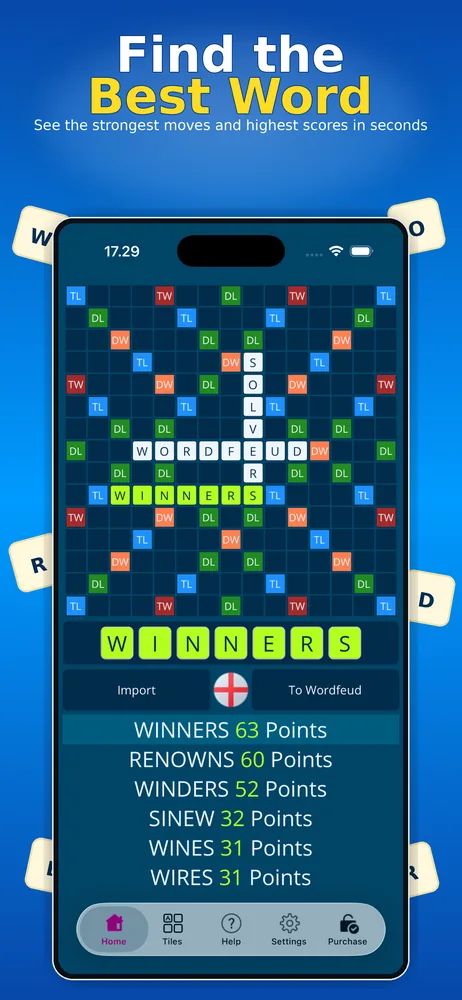
Ever find yourself stuck on a challenging Wordfeud board, searching for the perfect word to play? Wordfeud Solver reads your board from a screenshot and shows you the best moves, ranked by points.
Think of it as a Wordfeud helper and word finder in one: no typing in letters or rebuilding the board by hand. You get the best Wordfeud words for your exact board and rack, sorted by score.
Screenshots
See it in action
The video is played from YouTube when you press play.
How it works
- 1Take a screenshotTake a screenshot in the Wordfeud app. Make sure not to zoom in on the board.
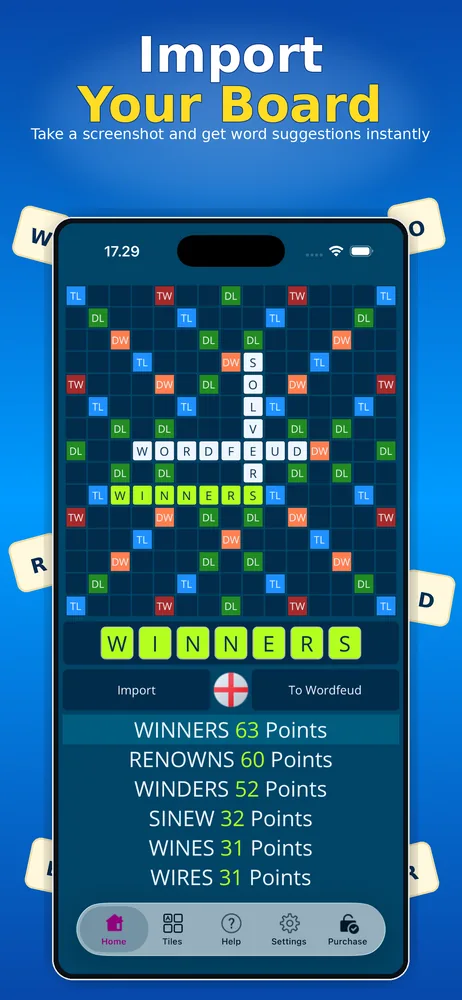
- 2Import the screenshotOpen Wordfeud Solver. Your latest screenshot is imported automatically. If not, tap “Import” and choose the screenshot.
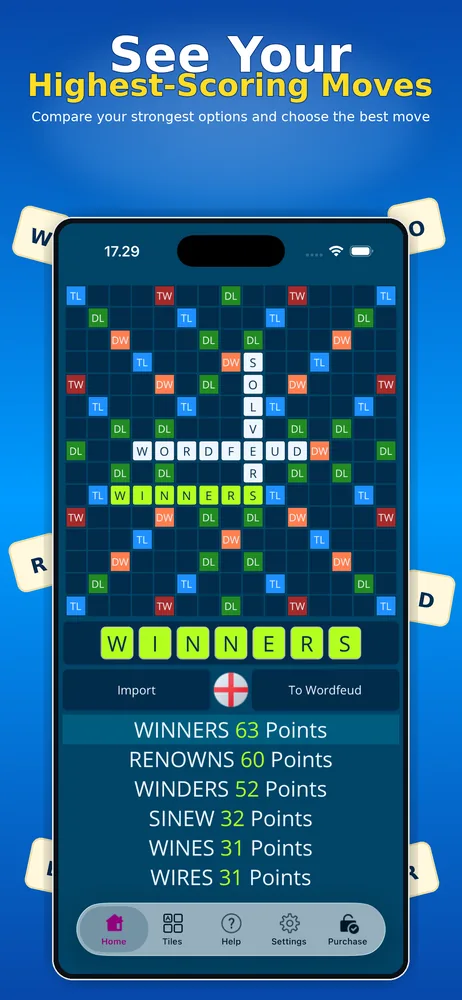
- 3Pick your moveBrowse the ranked solutions to see their points and where to place them on the board.
Features
- Reads the board automatically from a screenshot (OCR)
- Solutions ranked by points, with exact placement
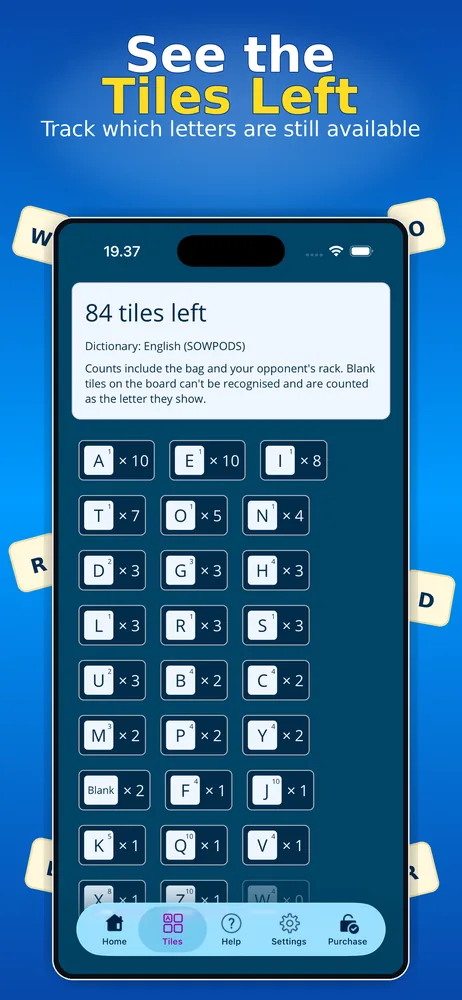
- Shows how many tiles are left in the game in total – in the bag plus on your opponent’s rack
- Up-to-date dictionaries
- No ads
- Free to try, with Pro Lifetime and Pro Subscription upgrades
Frequently asked questions
Do I have to type in my letters?
No. Take a screenshot in Wordfeud and the solver reads both the board and your rack automatically.
Does it work on iPhone and Android?
Yes. Wordfeud Solver is available on the App Store and on Google Play.
Which dictionary does it use?
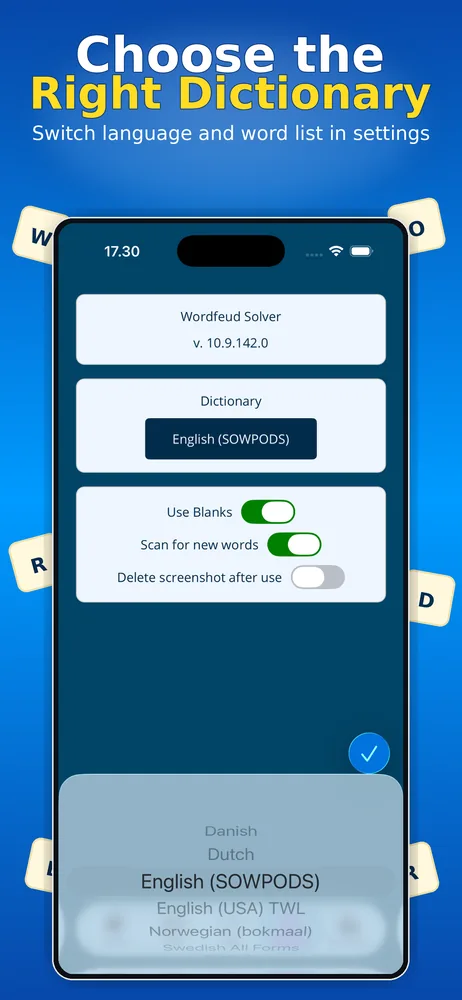
You choose the dictionary that matches the language of your Wordfeud game in the app’s settings.
Is Wordfeud Solver free?
It is free to download and try. Upgrade to Pro Lifetime – one payment, no subscription – or to Pro Subscription.
Are my screenshots uploaded anywhere?
No. Screenshots are only used to read the board and are never sent anywhere. The app can delete them for you afterwards.
More word game solvers
Wordfeud Solver is an independent app and is not affiliated with or endorsed by the makers of Wordfeud.